Manus AI Agent Review: What Does Autonomous Work Really Cost?
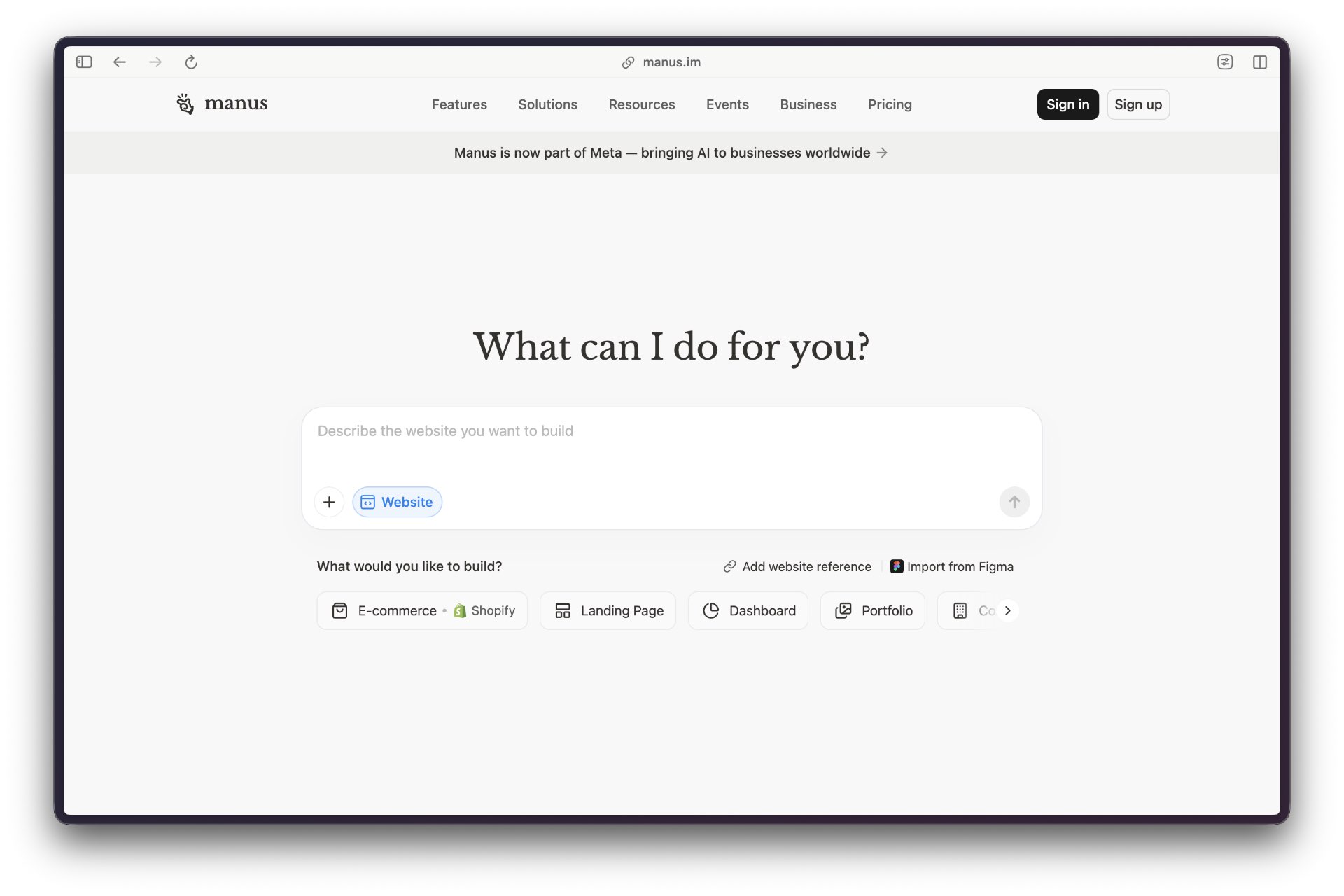
Manus is one of the clearest examples of where autonomous agents are heading: away from chat windows and toward persistent work surfaces. The pitch is simple. Give it a goal, let it work in its own computer, and come back when the artifact is ready. The catch is just as simple. Every hour Manus saves has to be paid back in verification, permissions, and trust.
Overview
Manus describes itself as an autonomous general AI agent that takes action, completes tasks, and delivers results instead of only answering questions. It works like a virtual colleague with its own computer: sandbox environment, internet access, persistent storage, and the ability to install software and create custom tools Manus documentation.
The important shift is persistence. Manus is designed to keep working after the user stops steering. WorkOS described the early product as an agent that runs asynchronously in a cloud virtual computer, continues after the user disconnects, and exposes its activity through a side panel called “Manus’s computer” WorkOS.
That makes Manus a useful signal for the next persistent-agent wave. The category is moving from “answer my question” to “hold the task, operate the workspace, and notify me when something is ready.”
💡 What Makes This Guide Different Most AI tool documentation focuses on ideal scenarios. This guide is closer to an operator’s logbook: what installed cleanly, what broke, what got expensive, and what created real risk.
Time Compression, With a Receipt
Manus belongs in the Time Compression bucket. It is trying to collapse the gap between intention and finished work. Instead of asking the user to issue a chain of prompts, copy intermediate results, open tools, run scripts, and assemble an output, Manus absorbs more of that chain into a single persistent run.
That is the promise behind cloud execution. A user can assign a research task, data analysis job, website build, or file-processing workflow, then leave the agent to operate in its own environment. WorkOS notes that Manus can keep running while the user’s computer is off and send a notification when work completes WorkOS.
The operator problem is that time compression does not remove work. It moves work. The user spends less time performing steps and more time inspecting whether the agent chose the right steps, spent the right credits, touched the right files, and delivered a result that can survive contact with reality.
The Manus Read
The sharp read on Manus is that it is less a chatbot competitor than a rehearsal for delegated computing. It gives the agent a workspace, a filesystem, browser access, tool access, and enough persistence to behave like a junior operator with a very large appetite for tokens.
That is useful. It is also exactly where things get messy. When an agent can browse, write files, run code, and continue without constant supervision, the risk profile changes. The question stops being whether the model can produce a plausible answer. The better question is whether the whole run can be trusted: inputs, tools, files, costs, side effects, and final output.
The real signal is not the architecture diagram. Manus makes persistent agents feel normal, then immediately exposes the operational burden that comes with them.
Cloud Sandbox to Local Machine
The original Manus model was cloud-first. Its own documentation describes a sandbox computer with internet access and persistent storage, while WorkOS described a virtual computing environment that can work independently in the background Manus documentation WorkOS.
The more provocative move is “My Computer.” Manus says the feature brings the agent out of the cloud and onto the user’s computer, where it can work with local files, tools, and applications by executing command-line instructions in the user’s terminal Manus Help Center. Pulse 2.0 also frames My Computer as a desktop capability that gives Manus direct access to local files, applications, and development environments Pulse 2.0.
That changes the category. A cloud sandbox is a useful staging area. A local machine is where the real mess lives: downloads folders, photo libraries, development environments, credentials, half-finished projects, private files, and apps that were never designed for autonomous operators.
⚠️ Local Access Warning Manus “My Computer” makes the product more useful because it reaches the user’s actual machine. That is also why it needs a stricter operating posture. Watch before you trust it - Folder scope: Manus says users authorize specific local folders before the agent can act. - Terminal commands: The feature works primarily through command-line instructions in the user’s terminal. - Sensitive actions: Manus says risky operations can require confirmation and can be limited to the current task or path. - Always-on machines: Mac minis and other dedicated desktops become tempting agent hosts. They also become persistent risk surfaces.
What Installed Cleanly
The research layer suggests Manus is easiest to understand when treated as a two-surface product. The cloud surface is for autonomous work in a managed sandbox. The desktop surface is for tasks that need local files, local tools, or local compute.
That split makes sense. The cloud agent handles the clean-room version of work: research, browsing, code generation, file creation, and multi-step outputs. The desktop agent handles the messy reality: file organization, local app development, terminal workflows, GPU use, and remote access to a machine that stays powered on.
Manus’s Help Center says My Computer can read, analyze, and edit local files, launch applications, run command-line tools such as Python, Node.js, Swift, and Xcode, and use local compute resources including GPUs Manus Help Center.
What Breaks
The weak point is not imagination. Manus can imagine many workflows. The weak point is durable execution.
Till Freitag’s review describes Manus as impressive for prototyping but unreliable on longer, more complex tasks. The review flags repeated steps, incomplete outputs, hallucinated facts, unpredictable credit consumption, and a need for manual fact-checking before trusting delivered work Till Freitag.
That criticism fits the broader agent category. Persistent agents are strongest when the task has clear intermediate artifacts and low-consequence iteration. They are weakest when the job requires precise facts, controlled costs, reversible actions, and a clean audit trail.
What Gets Expensive
Autonomy makes cost harder to see. A human notices when a task is taking too long. An agent may keep browsing, retrying, rewriting, testing, and looping until the credit meter has already told the story.
Till Freitag’s review says Manus uses a credit-based pricing system, that complex research tasks can consume hundreds of credits, and that consumption can be hard to predict before the run begins Till Freitag.
That matters for solo operators. A tool that saves time but makes cost unpredictable is still useful, but it needs guardrails: task caps, checkpoints, narrow prompts, and a habit of stopping runs that start wandering.
What Creates Real Risk
Manus is moving into a sensitive zone: agents that can act in environments where the user’s real work lives. Cloud sandboxes reduce some risk because the agent operates away from local files. Desktop access adds power and exposure at the same time.
Manus says My Computer requires folder authorization and that sensitive commands can require approval, with permissions scoped to the current task or current path Manus Help Center.
Those controls help. They do not remove the need for judgment. Any agent that can edit files, run commands, control apps, or email documents needs a smaller sandbox than its marketing page wants to imply.
Video Demo Notes
The best official demo is “Introducing My Computer: When Manus Meets Your Desktop”, which shows the shift from cloud agent to desktop-connected agent in under a minute.
For a longer third-party walkthrough, “Turn Your PC Into an AI Assistant (Manus AI Full Demo)” is the strongest independent walkthrough because it focuses on computer control through Manus, not just the launch announcement.
The original launch video, “Introducing Manus: The General AI Agent”, is useful context for the company’s broader ambition, but the desktop-agent story is stronger for operators.
Operator Workflow
Use Manus for bounded jobs with visible intermediate outputs. Research folders, rough artifacts, prototype code, summarize documents, assemble spreadsheets, or organize local files when the folder scope is narrow and the final result is easy to inspect.
Avoid handing Manus broad authority over business-critical work. Do not start with “organize my entire drive,” “clean up this codebase,” or “email the final files to everyone.” Start with a small folder, a reversible task, and a clear stopping point.
The pattern is simple: one job, one folder, one review checkpoint. That is the difference between useful autonomy and an expensive unattended experiment.
Operator Reference Tables
The table layer is useful here because Manus is not just a product to describe. It is a system operators need to bound. The key is to make the tables answer operational questions rather than reproduce developer documentation.
Manus Capability Map
| Capability | What Manus Can Do | Operator Concern |
|---|---|---|
| Cloud sandbox | Run tasks in a virtual computer with internet access, persistent files, and software installation | Verify outputs before treating the sandbox artifact as production-ready |
| Asynchronous execution | Continue work after the user disconnects and notify on completion | Set task boundaries so a run does not wander, loop, or spend credits invisibly |
| Browser operation | Navigate websites, gather information, and use web-based workflows | Check facts, sources, and form submissions before relying on the result |
| Local file access | Read, analyze, edit, organize, and rename files in authorized folders | Start with small folders and reversible tasks before granting broader scope |
| Terminal execution | Run command-line tools through the Manus Desktop app | Require confirmation for sensitive commands and limit permissions by task or path |
| Local app control | Launch and control local applications through the desktop workflow | Watch for side effects in apps that were not designed for autonomous operation |
Agent State Watchlist
| State | What It Means | What To Check |
|---|---|---|
| Planning | The agent is decomposing the goal into steps | Confirm the task is narrow enough and the expected output is explicit |
| Executing | The agent is browsing, writing files, running commands, or using tools | Watch for tool drift, unnecessary retries, and permission escalation |
| Waiting | The agent is blocked on input, approval, credentials, or an external dependency | Decide whether to continue, narrow the task, or stop the run |
| Reflecting | The agent is reviewing intermediate results and adjusting its plan | Look for repeated steps or invented assumptions before it proceeds |
| Completed | The agent has produced a final artifact or result | Verify facts, files, costs, and side effects before publishing or shipping |
| Error | The agent hit a failure it could not resolve cleanly | Capture the trace, reduce the task scope, and restart only if the failure is understood |
Local Access Guardrails
| Guardrail | Practical Rule | Why It Matters |
|---|---|---|
| Folder scope | Authorize only the folder needed for the current task | Local access turns convenience into exposure if the agent can see too much |
| Command approval | Require manual approval for sensitive terminal commands | Terminal access is powerful enough to change files, install packages, and trigger unintended side effects |
| Cost caps | Use short runs, checkpoints, and clear stop conditions | Persistent agents can burn credits while looping, retrying, or over-researching |
| Output review | Fact-check every external claim and inspect every generated file | Autonomy does not remove hallucination risk; it can hide it inside a finished artifact |
| Reversible tasks | Start with copying, sorting, summarizing, and prototype work before destructive edits | The first agent run should prove behavior, not bet the workspace |
What Comes Next
The Meta relationship gives Manus more platform gravity. Manus announced in December 2025 that it was joining Meta while continuing to sell and operate its subscription service through its app and website, and said the company would continue operating from Singapore Manus.
That matters because persistent agents need distribution. If Manus-like capabilities move closer to Meta’s consumer and business surfaces, the agent category could leave the early-adopter lab quickly. The likely future is not a single super-agent. It is an expanding layer of task workers embedded into browsers, desktops, messaging apps, business tools, and personal devices.
The winner will not be the agent with the longest feature list. It will be the one that makes delegation feel safe enough to repeat.
Resources
- Manus documentation: Welcome
- Manus Help Center: What is the “My Computer” feature capable of?
- Manus: Manus Joins Meta for Next Era of Innovation
- WorkOS: Introducing Manus, the general AI agent
- Pulse 2.0: Manus launches My Computer
- Till Freitag: Manus AI Review 2026
- Manus AI: Introducing My Computer
- AI Picks: Turn Your PC Into an AI Assistant
Operator Verdict
Manus is important because it makes autonomous work feel less hypothetical. The product gives the agent a computer, a filesystem, internet access, and enough persistence to finish real tasks while the user is elsewhere.
That is the Time Compression promise. Less prompting. Fewer handoffs. More work happening in the background.
The operator tax is real. Manus still needs bounded tasks, narrow permissions, cost controls, and human review. The more local access it gains, the more the product shifts from helpful assistant to delegated machine operator.
Manus is a strong signal for persistent agents. It is also a reminder that autonomy does not remove supervision. It changes where supervision has to happen.