Superwhisper vs Wispr Flow: Local Voice AI or Cloud Dictation?
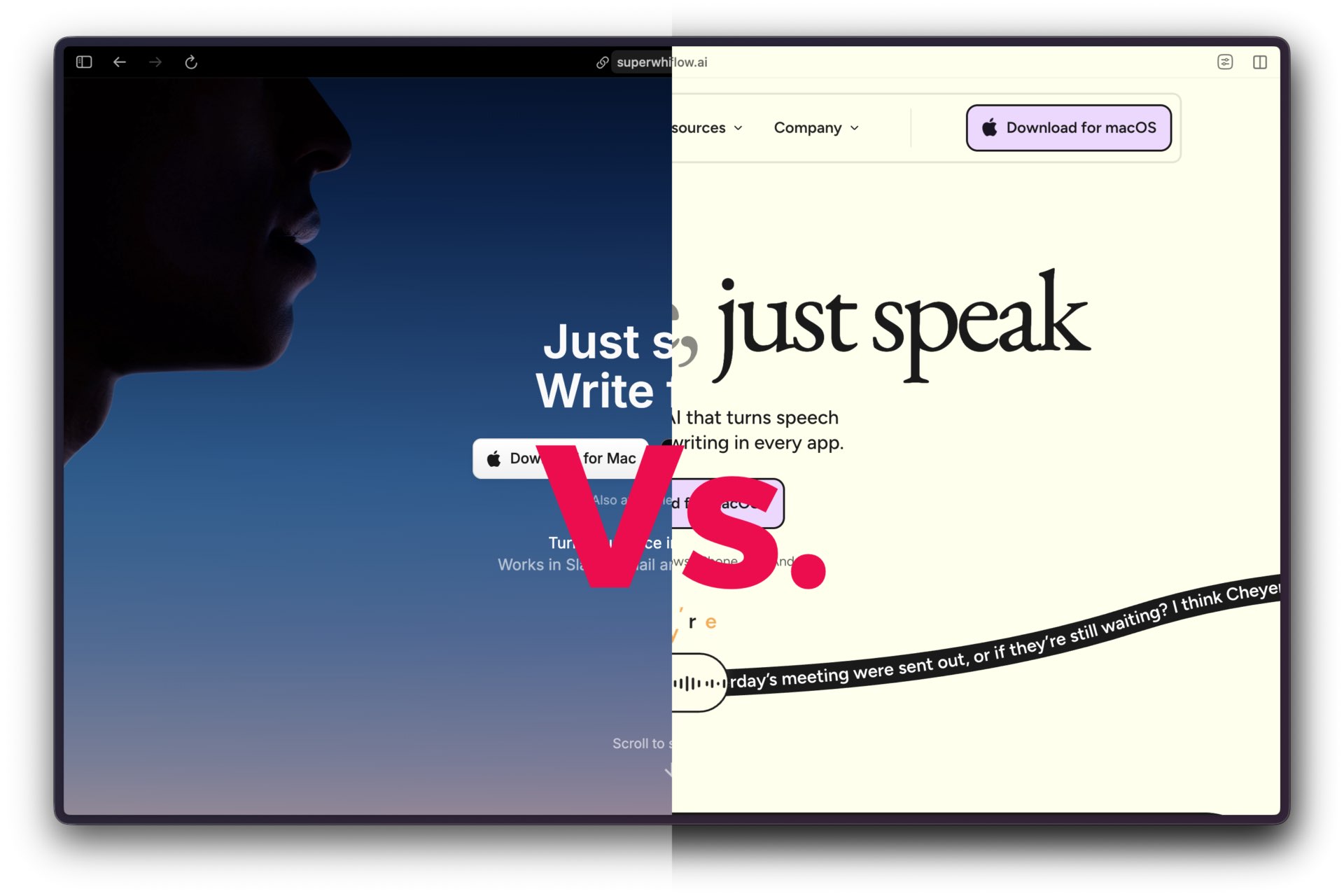
Voice dictation has split into two useful camps: technical performance and user experience. Wispr Flow is building a cloud-first voice layer for people who want polished writing dropped directly into every app. Superwhisper is the more privacy-leaning dictation tool for operators who want local models, offline use, and more control over how voice becomes text.
Voice tools are becoming operator infrastructure. The difference between them is not just transcription accuracy; it is how quickly spoken thought turns into usable text without breaking focus.
This comparison looks at the practical tradeoff between technical performance and everyday flow.
Overview
The difference is not simply “which one transcribes better.” Wispr Flow and Superwhisper are solving adjacent problems. Wispr Flow is optimizing for technical performance in the finished output: speed, polish, cross-device reach, and team readiness. Superwhisper is optimizing for user experience in the operator’s hands: local control, offline use, model choice, and repeatable personal workflows.
That split matters because the “better” product depends on the failure mode you fear most. A solo publisher, clinician, developer, or researcher may care more about privacy, model choice, and offline continuity than about enterprise dashboards. A sales team, support team, or executive staff may care more about cross-device sync, shared dictionaries, admin controls, and output that already sounds polished.
💡 What Makes This Guide Different
Most AI tool documentation focuses on ideal scenarios. This guide is closer to an operator’s logbook: what installed cleanly, what broke, what got expensive, and what created real risk.
Market Context
Voice AI is leaving the novelty stage. The key question is no longer whether speech-to-text works. It is whether the output is reliable enough to send, publish, code with, or paste into a client record without a cleanup pass.
The alternate draft’s strongest idea is the market split: enterprise buyers tend to reward technical performance, while individual operators reward experience, predictability, and friction reduction. That is the right frame, as long as the article does not overstate weak ratings or company-supplied benchmarks.
Wispr Flow’s official positioning is ambitious: it calls Flow a voice-native computing system and says the company is building toward a post-keyboard work interface. In its funding update, Wispr says Flow is five times faster than typing and that, after six months, the average user writes nearly three-quarters of their characters by voice.
Superwhisper takes a different posture. Its homepage emphasizes AI voice-to-text for macOS, Windows, and iOS, with offline and cloud speech recognition, 100+ languages, custom AI modes, and local model support. Product Hunt describes it as an extremely accurate voice-to-text app for Mac and iPhone with on-device processing and no Wi-Fi needed.
What Each Product Is Really Selling
Wispr Flow is selling trust in the final output. The product removes filler words, cleans up grammar, supports snippets and a personal dictionary, and syncs settings across devices. The operator promise is simple: talk normally, then send text without doing a second writing pass.
Superwhisper is selling control. It supports local AI models, cloud models, custom modes, custom vocabulary, translation to English, and audio/video transcription in the Pro plan. The operator promise is different: choose how the dictation engine behaves, keep more work local when needed, and build repeatable voice workflows.
Positioning Map
| Decision Area | Wispr Flow | Superwhisper | Operator Read |
|---|---|---|---|
| Core posture | Cloud-first voice OS for polished writing across apps. | Voice-to-text workspace with local and cloud model control. | Flow optimizes for finished text. Superwhisper optimizes for control and privacy options. |
| Best user | Teams, sales, support, executives, creators, developers, and mobile-heavy workers. | Solo operators, developers, clinicians, writers, and privacy-sensitive professionals. | Pick based on workflow risk, not the prettiest demo. |
| Platform reach | Mac, Windows, iPhone, and Android. | macOS, Windows, and iOS. | Flow has broader mobile coverage today. |
| Processing model | Cloud inference with privacy mode and enterprise controls. | Local and cloud AI model options, with offline workflows emphasized. | Superwhisper is easier to justify when cloud audio is sensitive. |
| Enterprise posture | Enterprise tier with SOC 2 Type II, ISO 27001, SSO/SAML, HIPAA controls, and usage dashboards. | Enterprise tier with SOC 2 Type II, centralized billing/authentication, model access control, and enterprise-hosted models. | Both have enterprise language. Flow’s packaging is more team-admin oriented. |
Accuracy and Output Quality
The draft source leaned heavily on a claimed Wispr benchmark: roughly 10% error rate for Wispr Flow versus 27% for OpenAI Whisper and 47% for Apple native transcription. That figure appears in press coverage based on company-provided data, so it is useful but should not be treated as an independent lab result.
The more practical distinction is output style. Wispr Flow is not trying to be a court reporter. It listens, rewrites, removes filler, formats the result, and tries to infer intent. That is excellent for emails, Slack messages, support replies, sales follow-ups, and quick drafting.
Superwhisper is stronger when the operator wants more control over the transcription pipeline. Its official site highlights local models, cloud models, custom prompt control, custom modes, and audio/video transcription. For technical terms, names, meeting notes, and privacy-sensitive workflows, that control can matter more than a headline accuracy score.
Performance vs. Experience Scorecard
| Evaluation Lens | Wispr Flow Advantage | Superwhisper Advantage | Operator Takeaway |
|---|---|---|---|
| Technical accuracy | Reported benchmark performance and aggressive output cleanup. | Strong local transcription control, especially for specialized vocabulary. | Use Flow when polished text matters most. Use Superwhisper when you want to control the pipeline. |
| User experience | Cross-device dictation with automatic editing and shared dictionaries. | Offline use, local models, custom modes, and less dependence on cloud round trips. | Flow feels more managed. Superwhisper feels more operator-owned. |
| Adoption friction | Team packaging, admin controls, and broad platform support. | More tuning, but better fit for privacy-sensitive solo workflows. | Teams should test rollout friction. Solo operators should test daily repetition. |
| Risk profile | Cloud processing, subscription cost, and procurement review. | Hardware variance, model selection, and setup complexity. | The risk is not accuracy alone. It is where failure shows up in the workflow. |
Pricing and Economics
Wispr Flow’s official pricing page lists a Free Basic plan, Flow Pro at $15 per user per month or $12 per user per month annually, and Enterprise pricing by quote. Basic includes weekly word limits, custom dictionary, snippets, 100+ languages, privacy mode, and HIPAA-ready positioning. Pro adds unlimited words across supported platforms, command mode, team collaboration, centralized billing, shared dictionary/snippets, and basic usage dashboards.
Superwhisper’s official pricing page lists a Free plan and a Pro plan at $8.49 per month, with Enterprise pricing by quote. The Pro plan adds user-owned AI API keys, unlimited cloud and local AI models, English translation, audio/video file transcription, and priority support.
Pricing and TCO Watchlist
| Cost Factor | Wispr Flow | Superwhisper | Watch For |
|---|---|---|---|
| Entry tier | Free Basic plan with weekly word limits. | Free plan with basic voice-to-text and limited advanced access. | Free tiers are good for testing, not heavy production use. |
| Paid individual plan | $15/user/month or $12/user/month annually. | $8.49/month for Pro. | Flow costs more, but includes broader cross-device polish and team features. |
| Enterprise controls | SSO/SAML, SOC 2 Type II, ISO 27001, enforced privacy mode, HIPAA controls, dashboards. | SOC 2 Type II, centralized billing/authentication, model access control, enterprise-hosted models. | Ask for data-retention details before rolling either tool into sensitive workflows. |
| Hidden operating cost | Cloud reliance and admin rollout. | Model selection, local performance, and workflow tuning. | The cheaper monthly price is not always the cheaper operating model. |
Integration and Workflow Fit
Wispr Flow’s advantage is breadth. Its site says it works wherever a cursor can be placed, with examples across Cursor, VS Code, messaging apps, ticketing systems, customer support, sales, legal, and creator workflows. It also includes snippets and a personal dictionary, which matter more than they sound. Voice tools fail quickly when they repeatedly miss names, acronyms, or product vocabulary.
Superwhisper’s advantage is configurability. It works across apps such as Slack, Gmail, Notion, WhatsApp, Telegram, Superhuman, Reflect Notes, Cursor, Claude Code, Open Code, Amp, and Codex. Its custom modes let the operator define formatting, tone, and structure. That makes it useful for repeatable production workflows, not just casual dictation.
For Toolhacker-style publishing work, Superwhisper’s model control and custom modes are appealing. For a company trying to push a shared voice workflow across sales, support, and management, Wispr Flow’s centralized team features and cross-device sync are easier to explain.
Privacy and Security
This is the cleanest fault line. Wispr Flow offers privacy mode and enterprise controls, including Zero Data Retention options, SOC 2 Type II, ISO 27001, SSO/SAML, enforced HIPAA compliance, and admin tooling on its Enterprise tier. That is the procurement-friendly route.
Superwhisper offers a different kind of comfort: local AI models and offline use. For solo operators, doctors, lawyers, developers, journalists, and anyone capturing sensitive material, the ability to keep more transcription local is not a feature checkbox. It is the reason to choose the product.
The operator rule is simple. If your organization needs formal compliance paperwork, start with Wispr Flow Enterprise and ask hard retention questions. If your workflow needs local capture, offline resilience, or model-level control, start with Superwhisper and test the exact hardware you use every day.
Where the Draft Needed Correction
The original draft treated several third-party claims as settled facts. I would avoid doing that in the published version.
The Wispr error-rate comparison is useful but company-sourced. Keep it framed as a reported benchmark, not as independent proof. The Superwhisper Product Hunt rating is visible and favorable, but a 4.9 rating from 20 reviews is a signal, not a market verdict. The draft’s Trustpilot comparison for Wispr Flow was not strong enough to carry a negative consumer-reliability claim, so it should not anchor the article.
The missing data sections also needed removal. Integration, API, funding, and growth gaps should be handled through source-backed product positioning, not left as editorial scaffolding in the body.
Useful Demo and Source Trail
For a practical side-by-side demonstration, the third-party video Wispr Flow vs Superwhisper: Which is Better? (2026) is useful because it frames the products around cloud polish versus local privacy. Treat it as hands-on commentary, not as a formal benchmark.
Primary sources are stronger for product and pricing claims: Wispr Flow’s homepage, Wispr Flow pricing, Wispr’s funding update, Superwhisper’s homepage, and Superwhisper’s Product Hunt listing.
What Comes Next
Voice AI will not settle into one universal product category. The market is already splitting by trust model.
One branch will become the workplace voice layer: cloud-based, admin-managed, mobile-friendly, compliance-packaged, and tuned to produce polished writing with minimal review. Wispr Flow is clearly aiming there.
The other branch will become the operator’s local voice stack: model-selectable, privacy-conscious, customizable, and optimized for repeatable personal workflows. Superwhisper sits closer to that lane.
Both can win, but not for the same reason. The category will reward tools that reduce revision time, not tools that merely record speech.
Operator Verdict
Wispr Flow is the better fit when the job is polished output across teams, devices, and business apps. Its pricing is higher, but the product is packaged for users who want voice to feel like a faster keyboard with an editor attached.
Superwhisper is the better fit when the job is private, local, customizable, or workflow-specific. It asks the operator to care more about model choice and setup, but that tradeoff is exactly why it belongs in a solo-operator toolkit.
The smart move is not to declare a winner. Run the same five-minute rambling test in both tools: email, Slack reply, technical note, name-heavy paragraph, and offline capture. The product that needs the least cleanup in your real workflow is the one that wins.